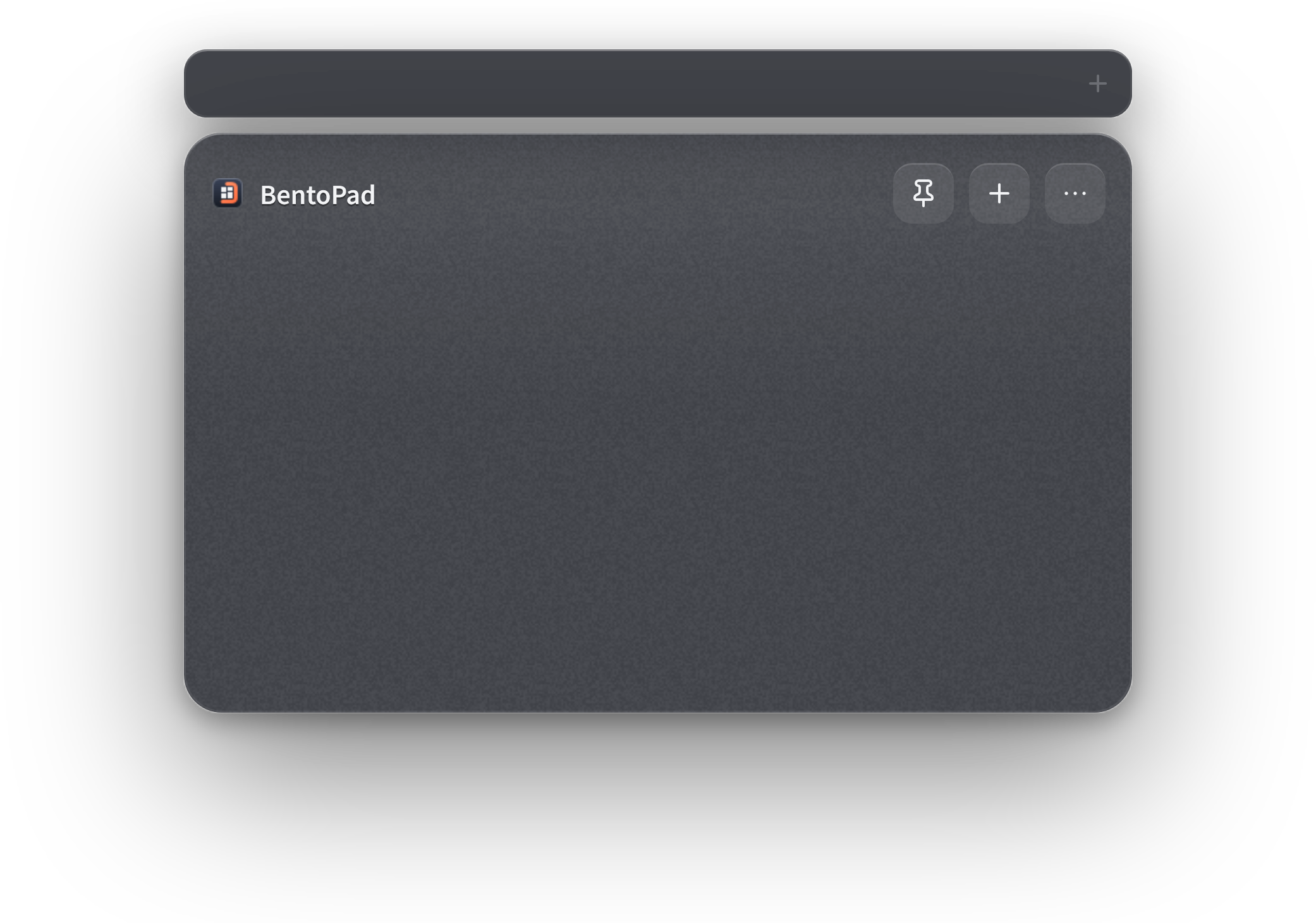




BentoPad

Hotkey launcher & text snippets for Windows 11

Your everyday tools, one click away.

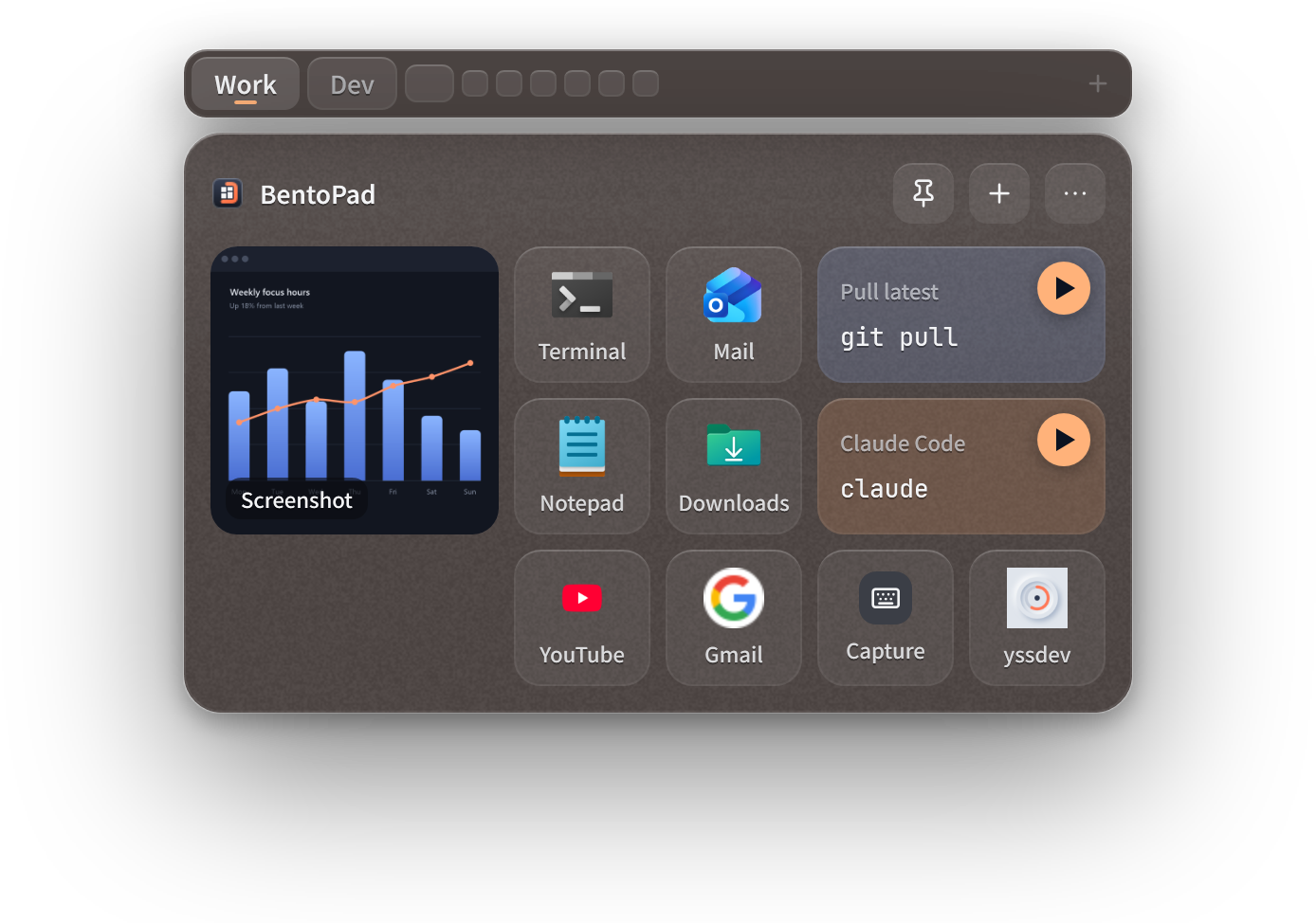
Turn screenshots, apps, commands, and notes into tiles on a glass pad. Open it from anywhere — even over full-screen video or Remote Desktop — and it slips away when you're done.

Get it from Microsoft Store Free · Windows 11
Free to use Tiles stay on your PC 5 languages

BentoPad

Everything you reach for, on one pad.

Screenshots, apps, commands, notes — line them up as tiles. Open the pad when you need it, click, and you're done.

01 · SCREENSHOTS

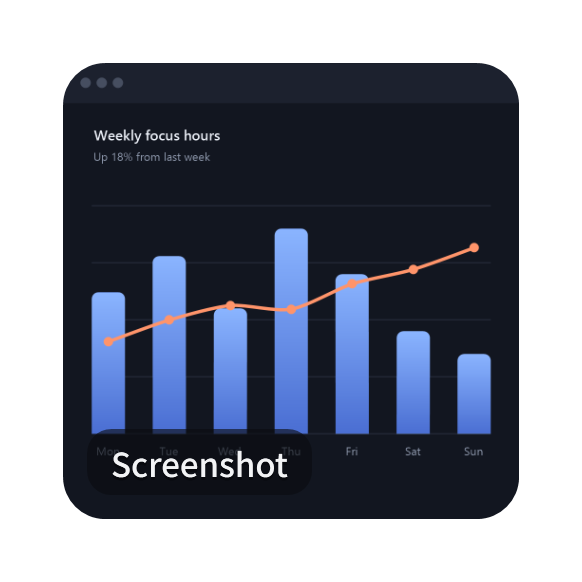
Screenshots go on the pad, not in a folder.

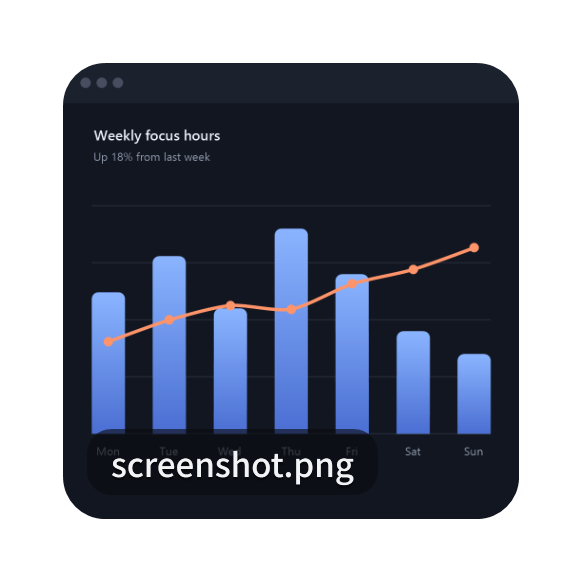
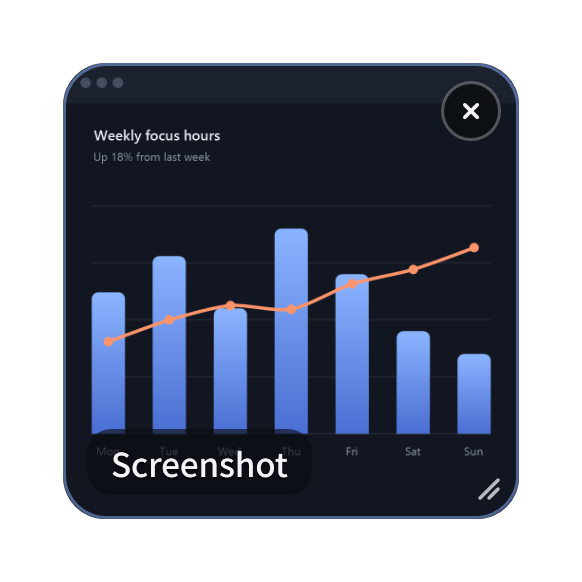
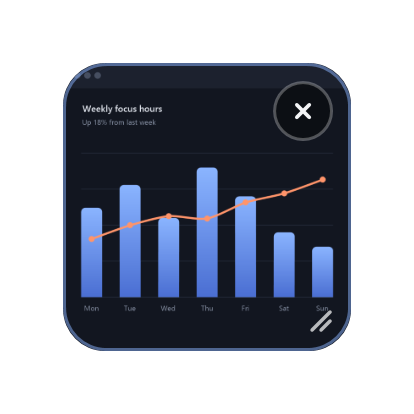
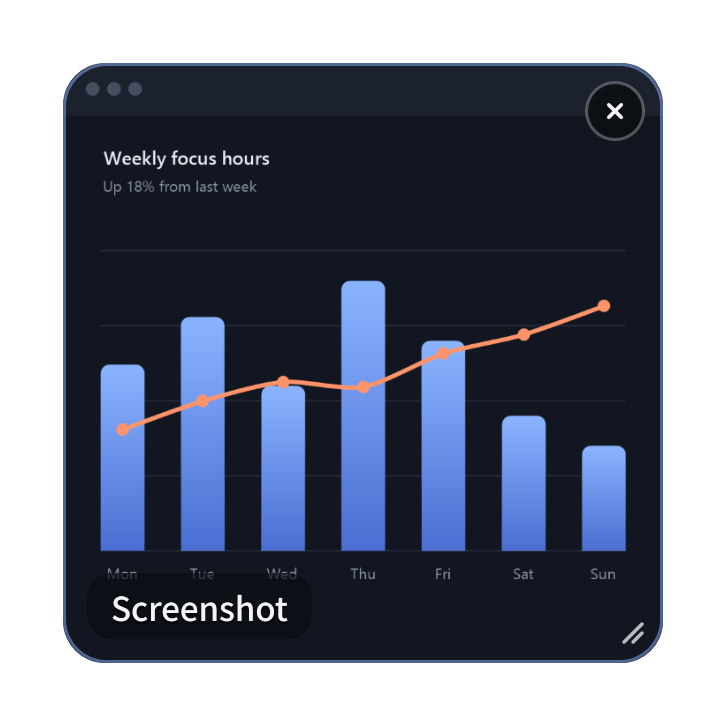
Copy a screenshot, open the pad, and press Ctrl+V — it becomes an image tile. Click it to copy the image again and paste it anywhere. Done with it? Just delete the tile.

02 · APPS

Your everyday apps, gathered on one pad.

Drag an app in from File Explorer or choose one from your installed apps — Store apps included. One click launches it, so your desktop can lose the shortcuts.

03 · COMMANDS

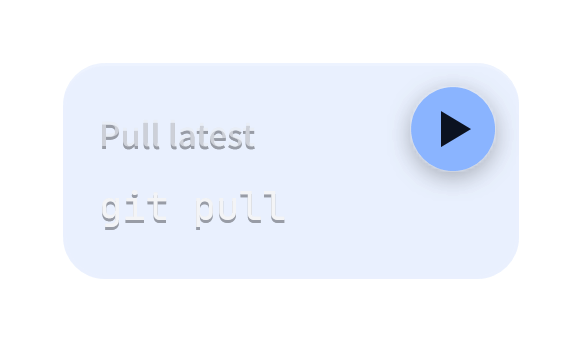
Commands, one click to run.

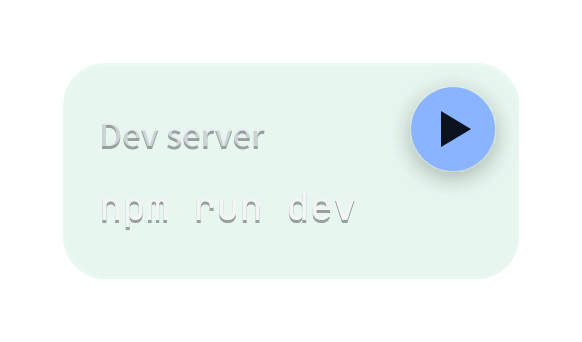
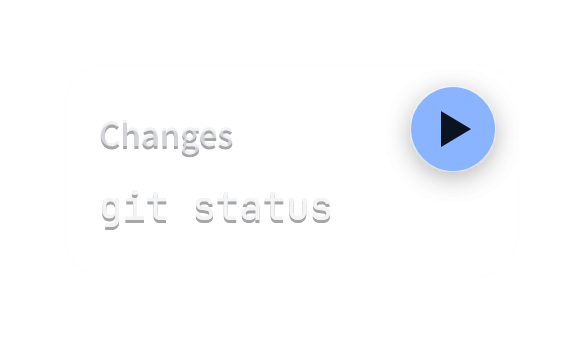
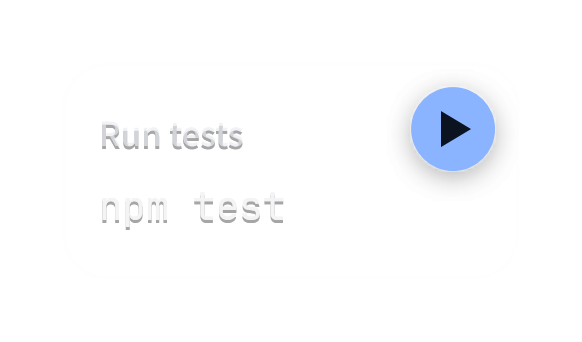
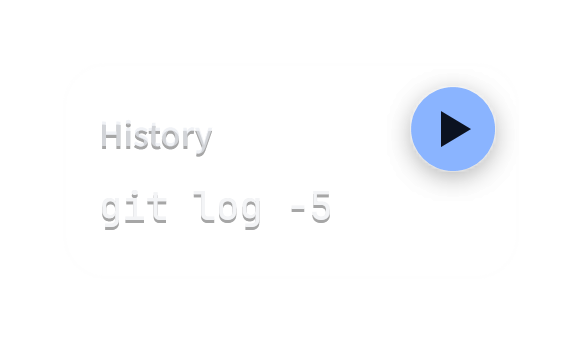
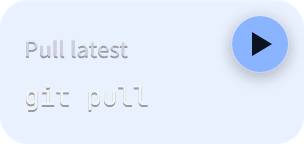
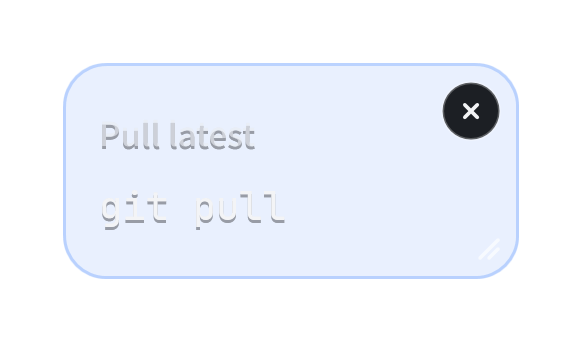
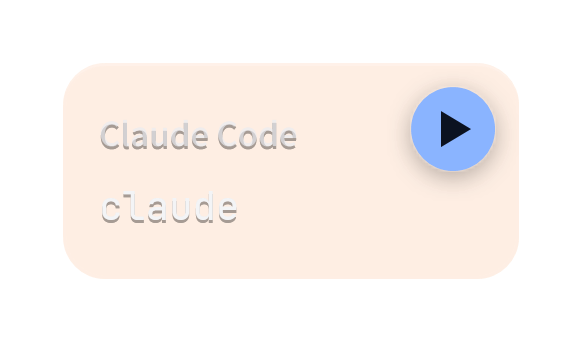
Click a tile to copy its command, or press play to run it in PowerShell, Command Prompt, or PowerShell 7. You can launch Claude Code the same way. Type each command once and never mistype it again.

04 · NOTES

Notes, always in the same place.

Copy some text, open the pad, and press Ctrl+V to make a text tile. Click it to copy — the pad closes and you're back where you were, ready to paste. Open the pad anytime, from anywhere.
Paste

Just paste.

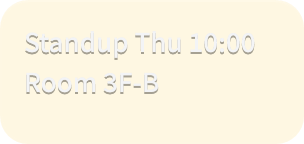
Copy anything, open the pad, and press Ctrl+V. BentoPad picks the right kind of tile and drops it into the first free spot.

Copied

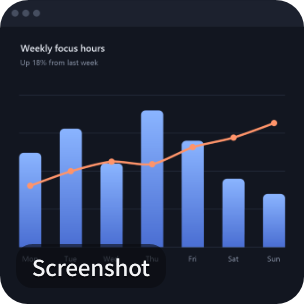
Screenshot

From the Snipping Tool

https://www.youtube.com/

From the address bar

Q4.pdf

From File Explorer

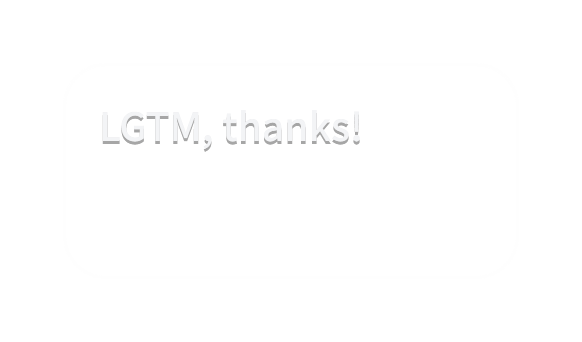
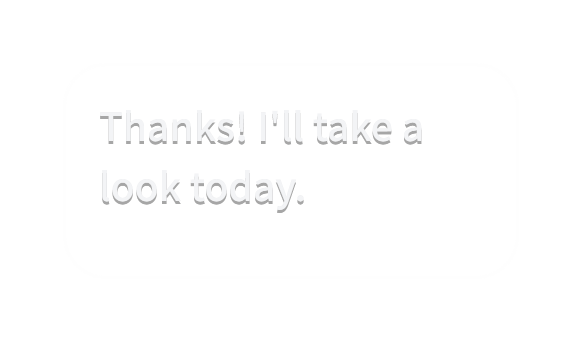
“Thanks! I'll take a look today.”

From an email

  • Image → image tile
  • Link → URL tile with the site's icon
  • File → file tile
  • Text → text tile
A pad where each pasted item becomes a new tile

Tiles

Eight kinds of tiles.

Each tile does the right thing for what's on it. Make one by pasting, dragging, or using the + menu.

Text

Click to copy.

Image

Click to copy the image.

App

Click to launch. Store apps too.

File

Opens in its default app.

Folder

Opens in File Explorer.

URL

Opens in your browser, with the site's icon.

Command

Click to copy, press play to run.

Keystroke

Sends keys to the window you were in.

Pages

A page for every job.

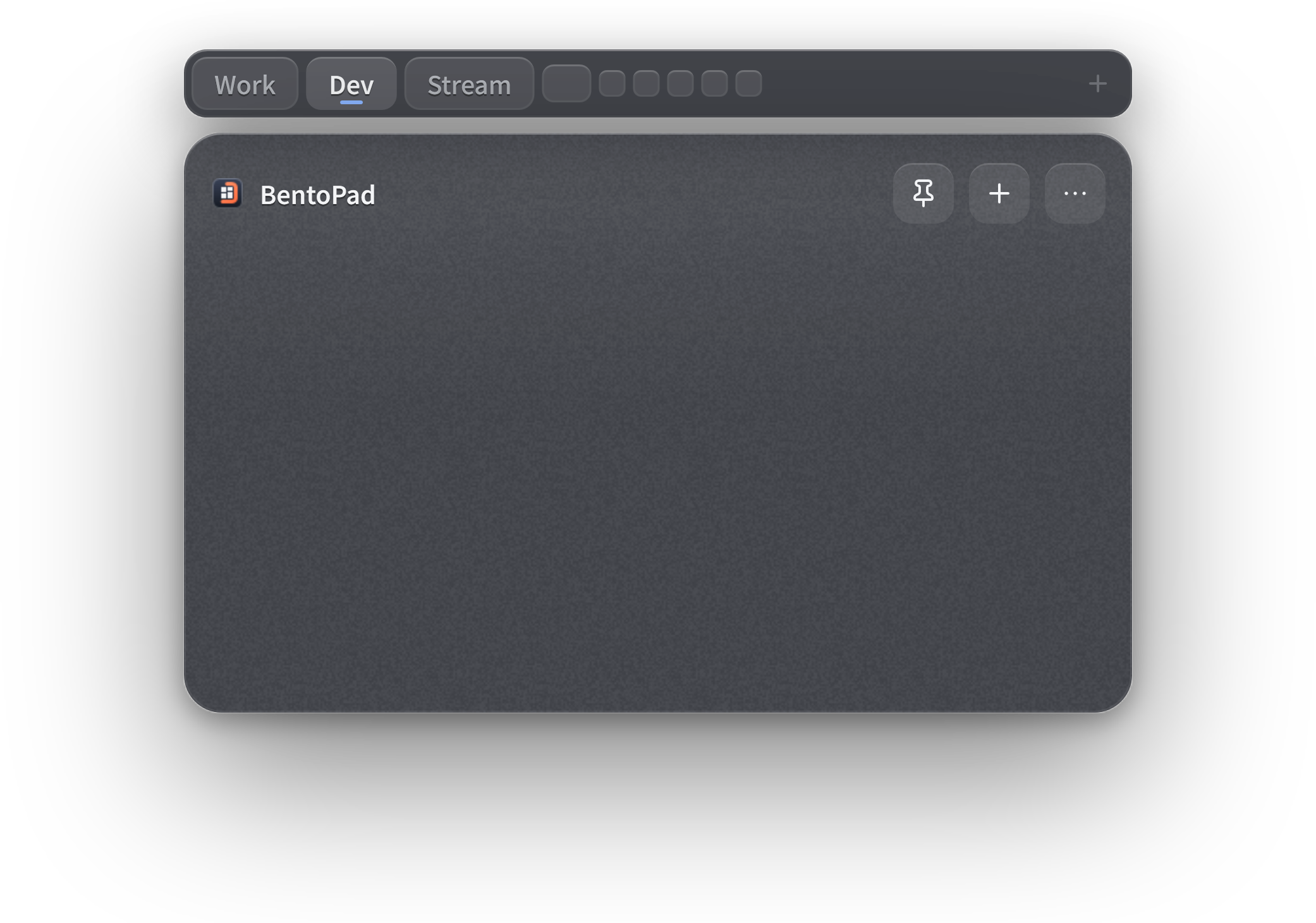
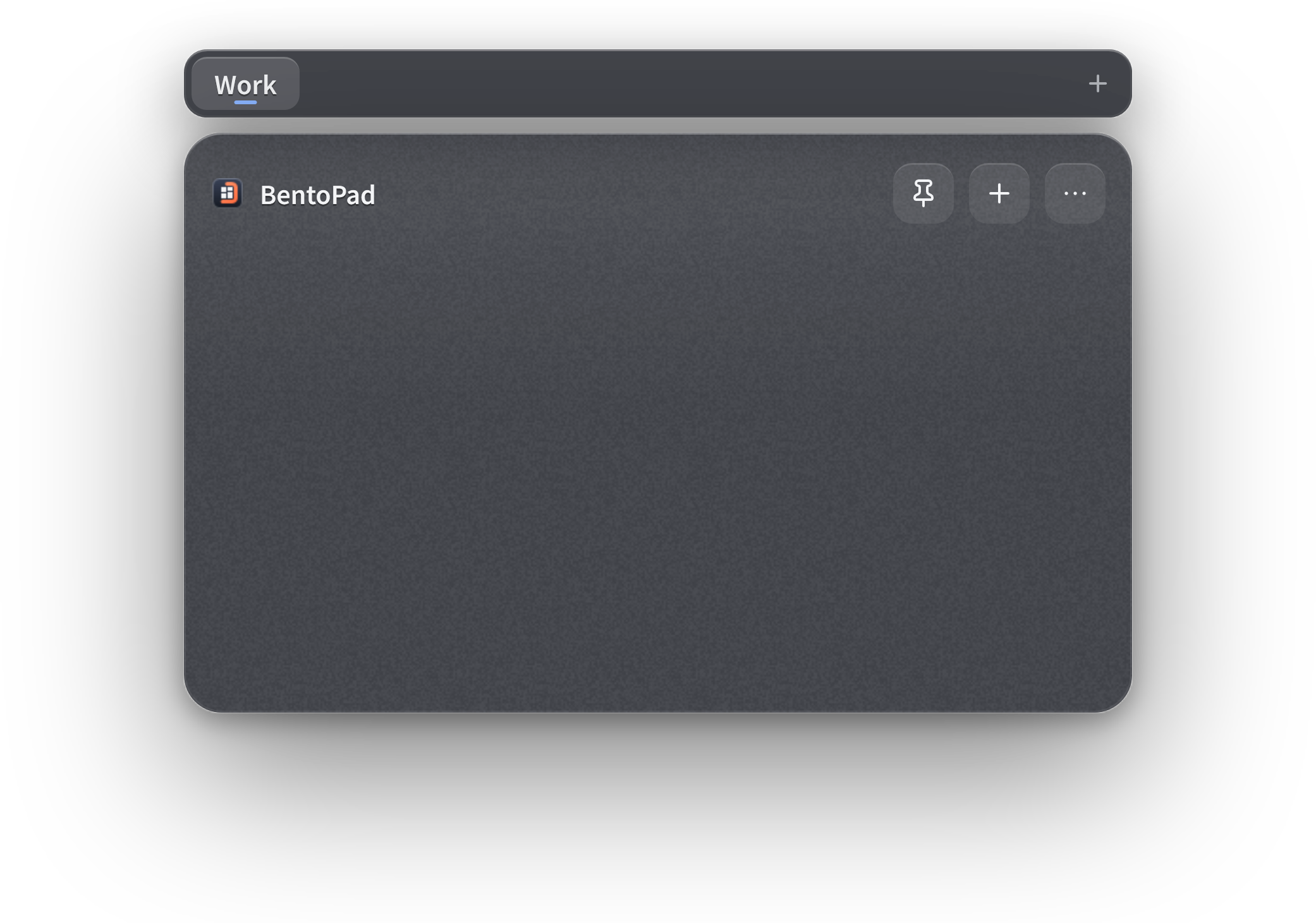
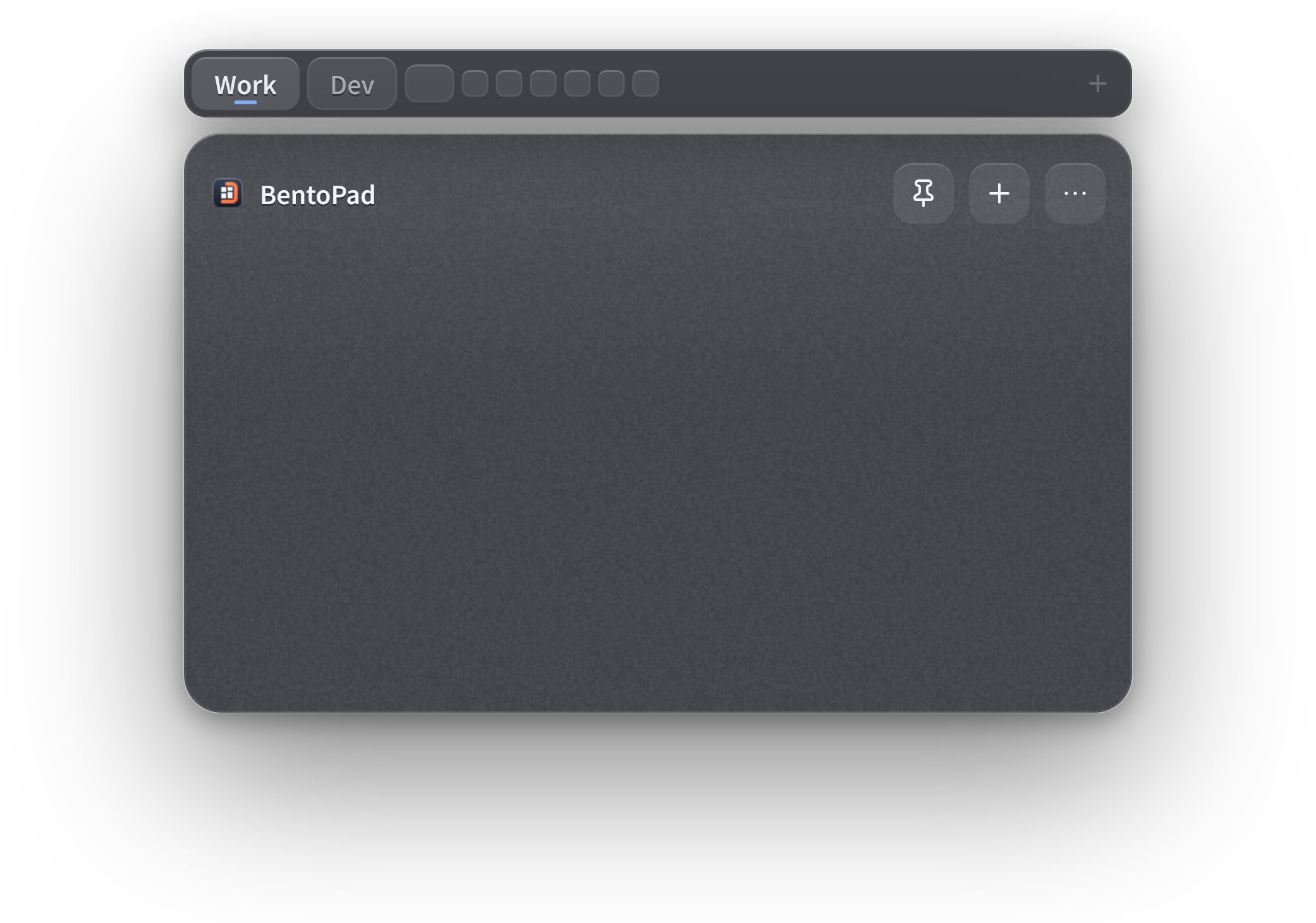
Split your tiles into pages like Work, Dev, and Stream, and switch between them with the tabs or Ctrl+1–9. The free version has one page; BentoPad Pro gives you up to nine.

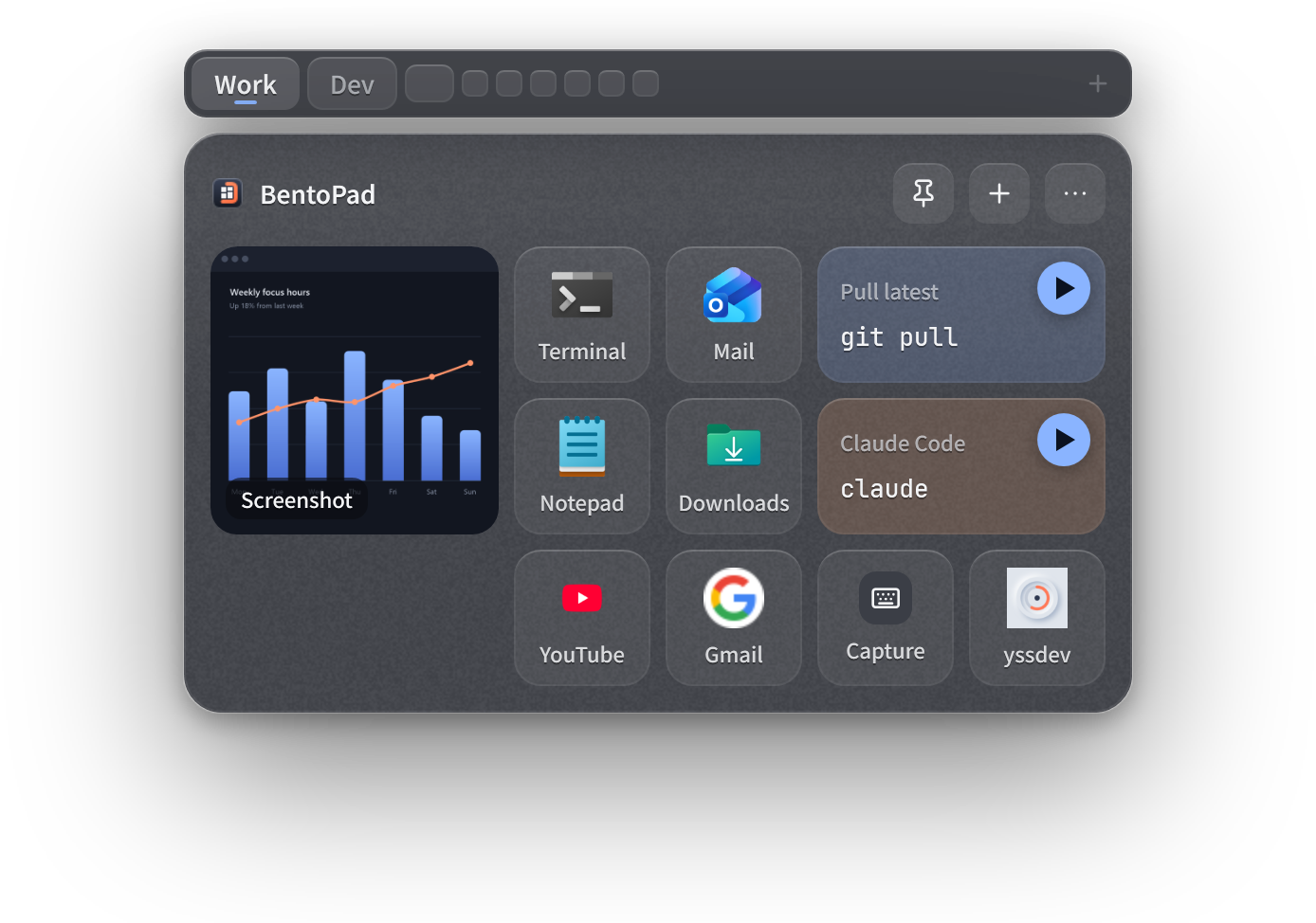
The Work page of the pad, with tabs for nine pages

Layout

Arrange it your way.

Three cell sizes, from a slim dock to big, glanceable tiles. Every tile moves and resizes on the grid.

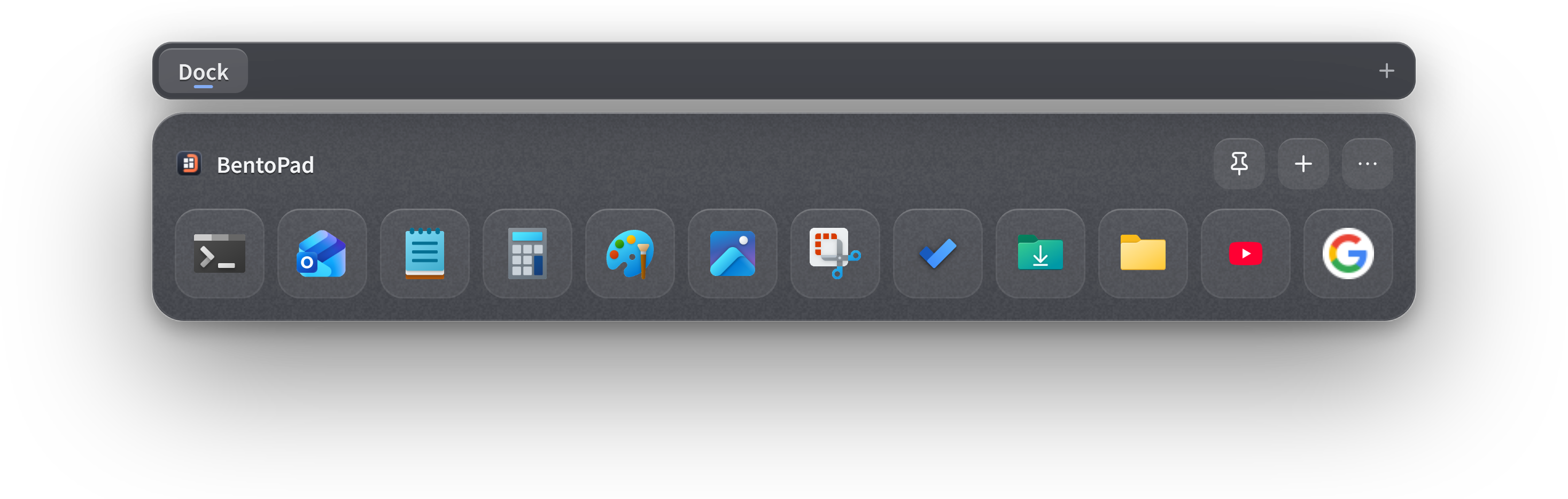
A one-row pad with small cells, docked at the bottom of the screen

SMALL CELLS

One row, like a dock

Set the cell size to Small and shrink the pad to a single row. Park it at the bottom of your screen and launch apps from it, like a dock.

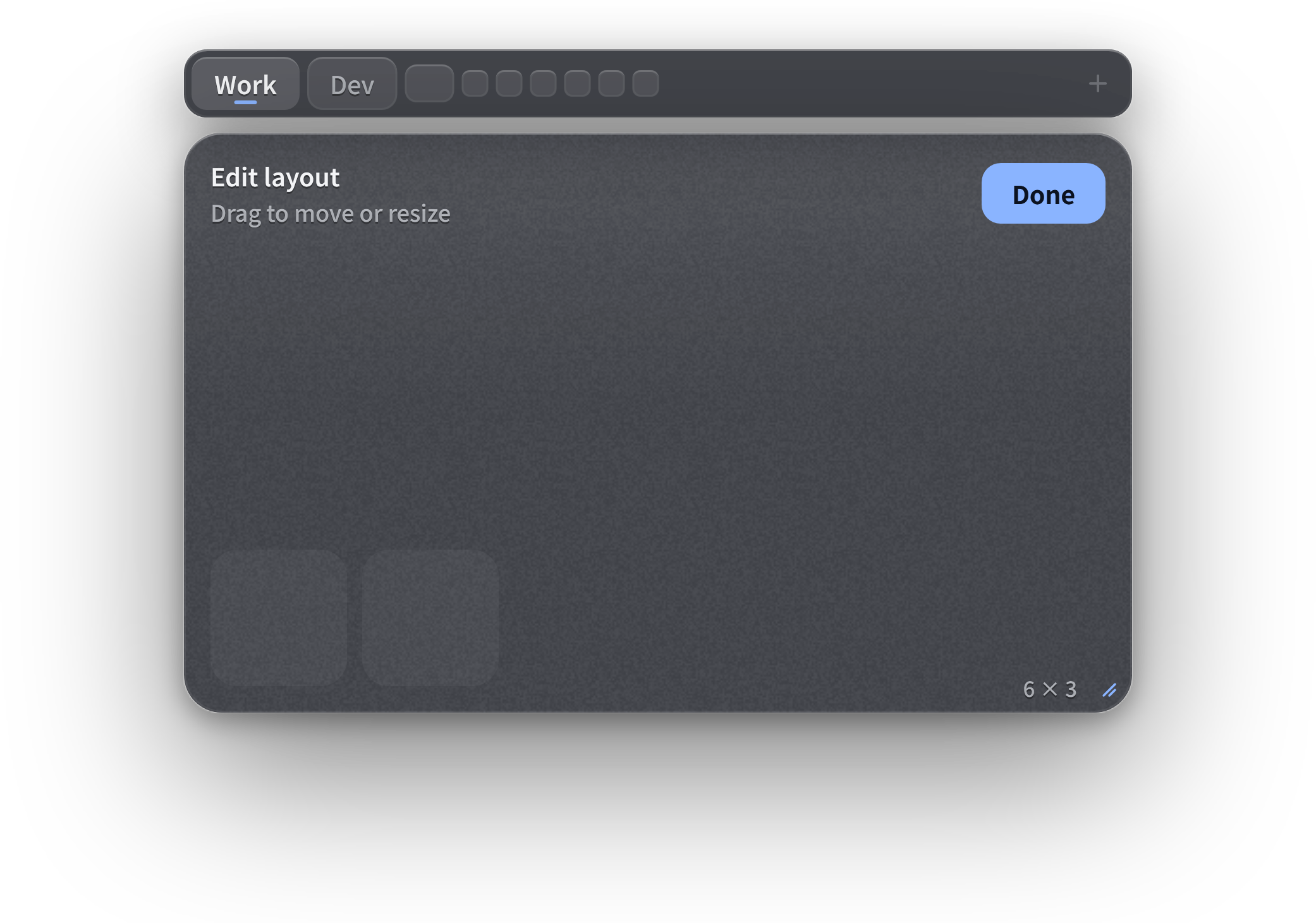
Edit mode, with a tile being dragged into an empty cell

MEDIUM CELLS

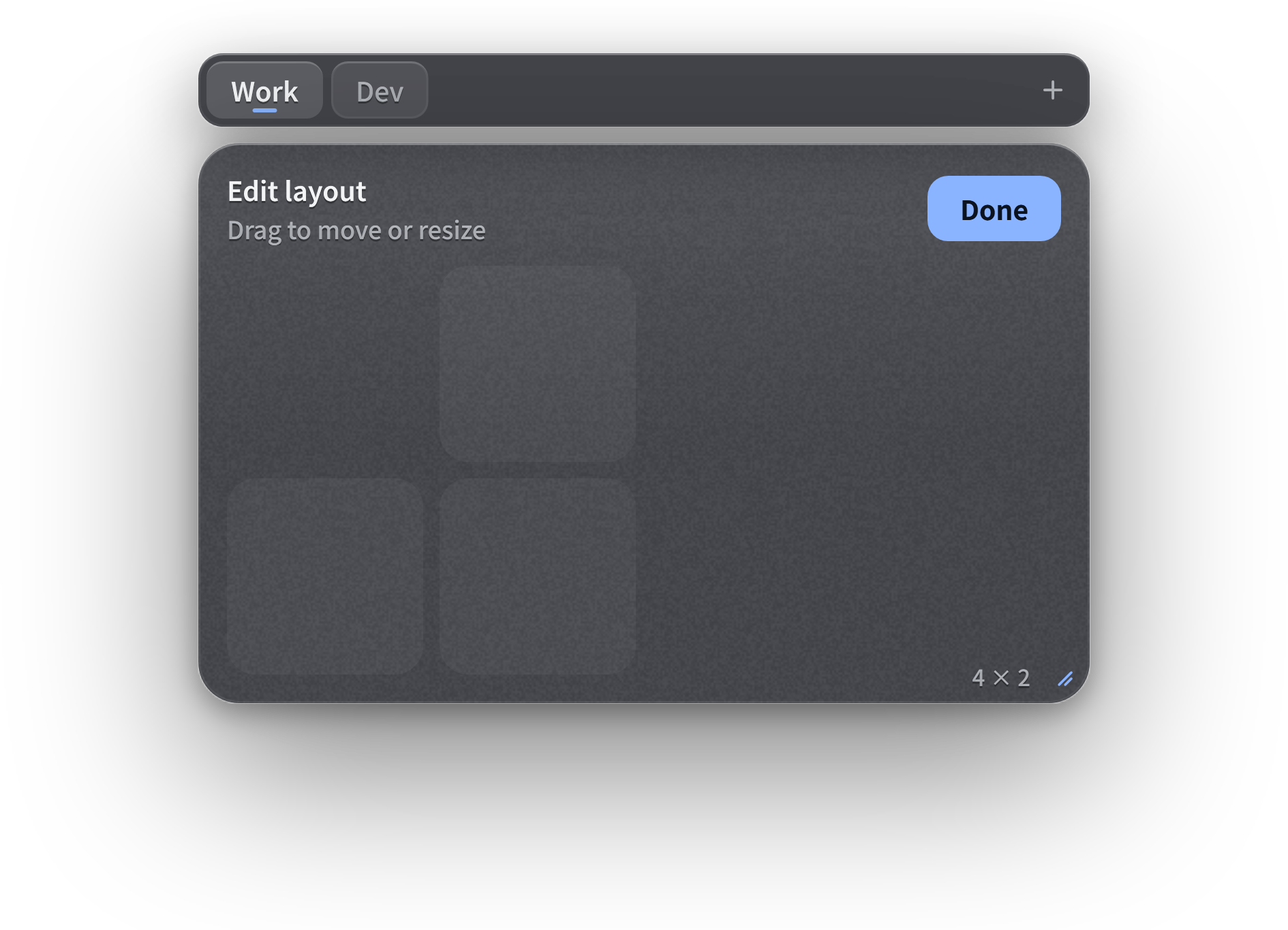
Drag to rearrange

In edit mode, drag a tile anywhere on the pad. It snaps to the grid and never overlaps another tile.

Edit mode, with a tile being resized from one cell to four

LARGE CELLS

Resize in place

Pull a tile's corner to make it wide, tall, or big — up to the size of the pad.

Start from a template

Pick a template for office work, engineering, or streaming and get going right away.

Export and share

Bundle every page's tiles and images into one file — for backups, or to hand your setup to someone else.

Look

Make the glass yours.

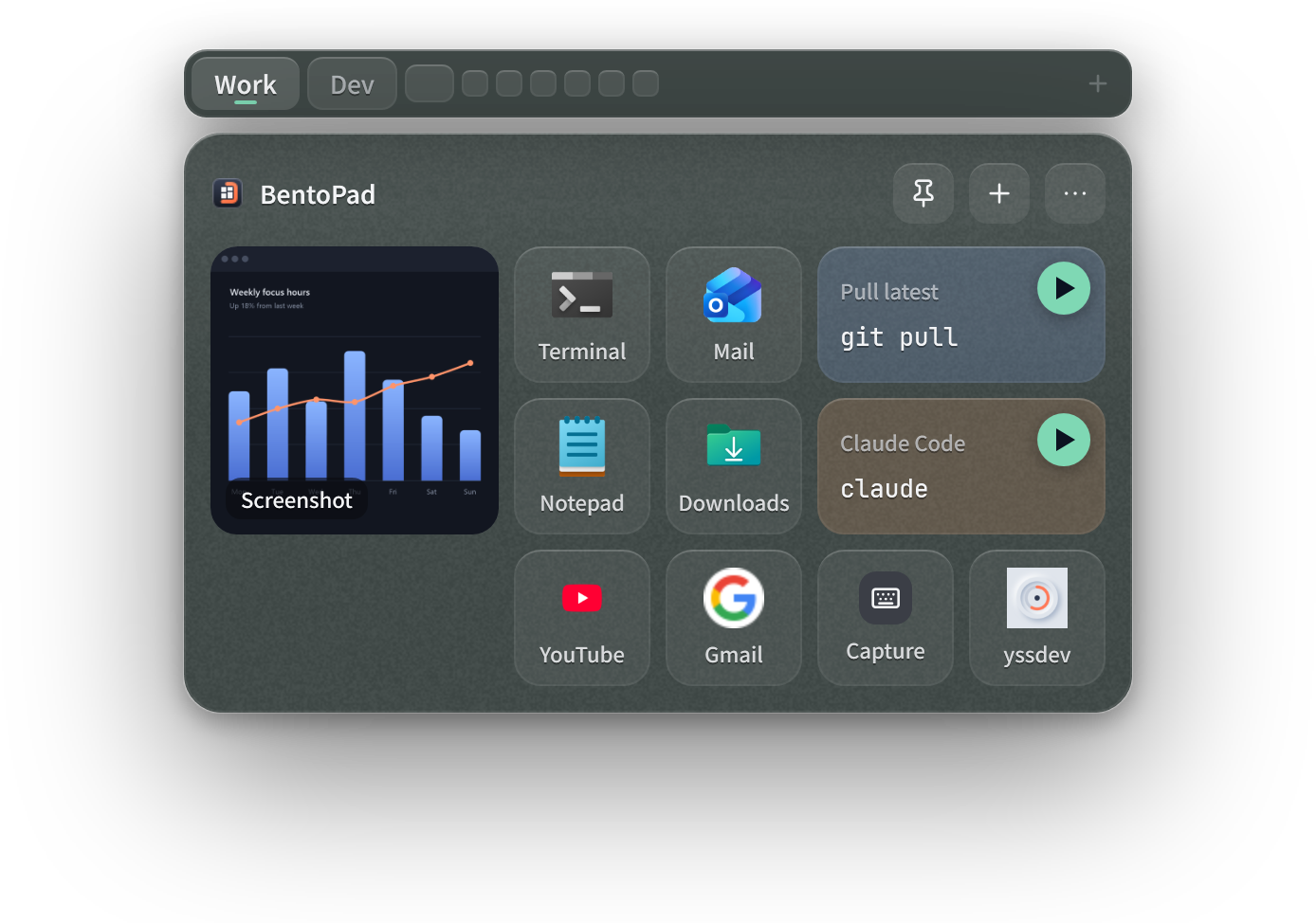
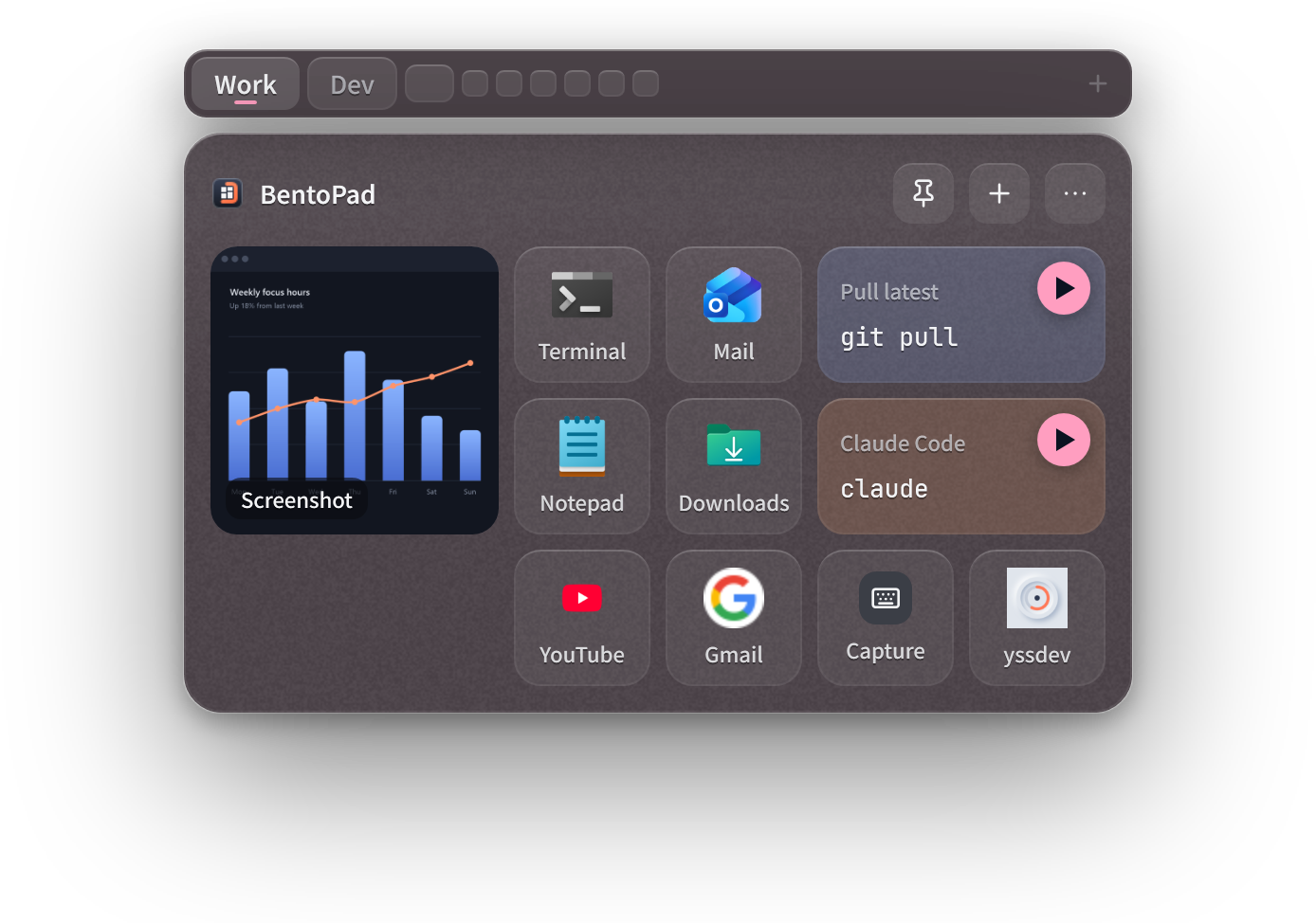
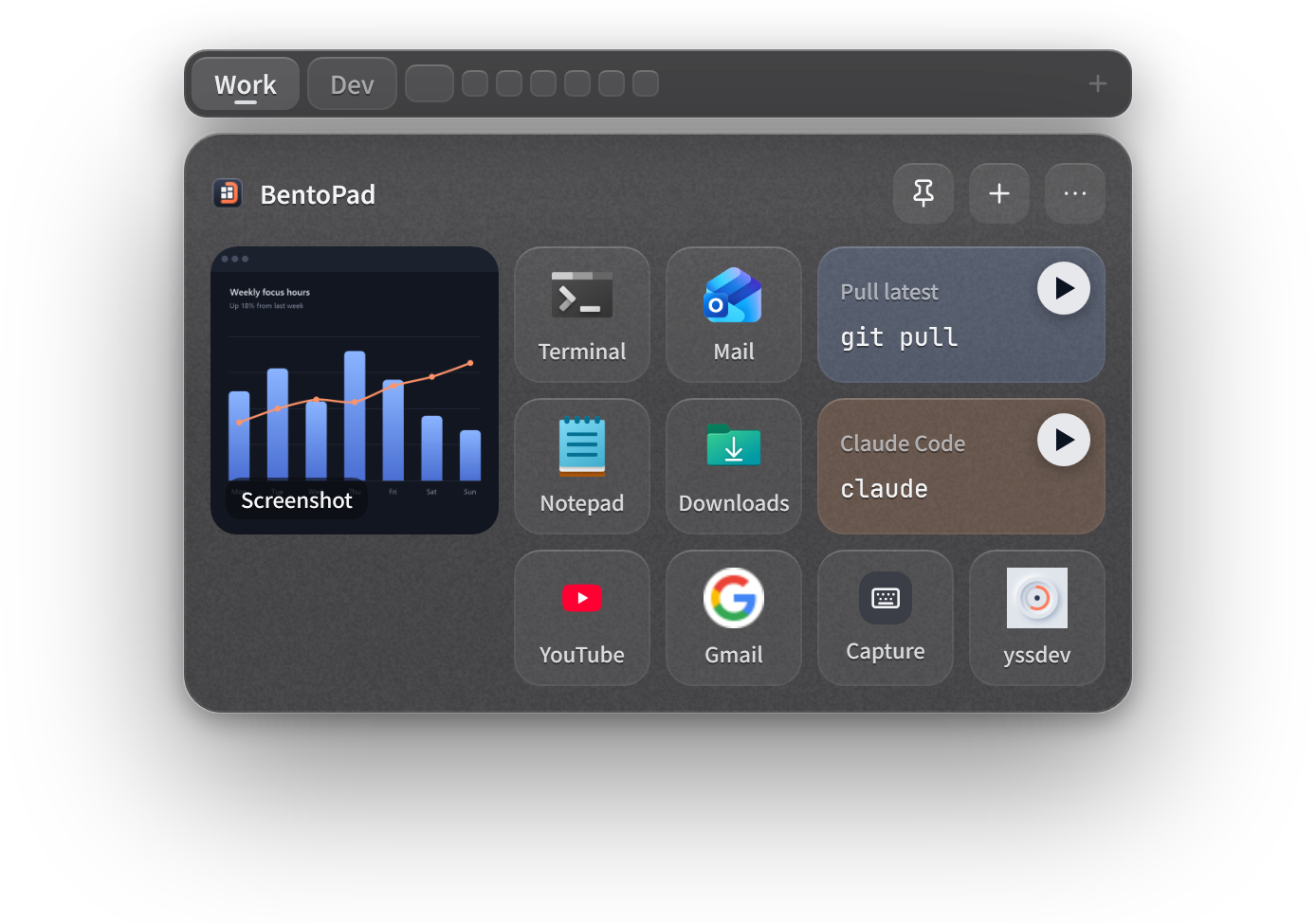
Five themes, smoked or clear glass, glass opacity, and eight tile colors — pick what blends with your wallpaper.

The pad in the Night theme

Privacy

Your tiles never leave your PC.

Stored only on your PC

Text, images, and everything else in your tiles stay on your PC.

Online only for site icons

BentoPad visits a site only to fetch its icon when you make a URL tile. You can turn this off.

No usage tracking

BentoPad sends no usage data. Its logs stay on your PC.

Idle when closed

When closed, the pad hides completely and uses almost no CPU.

Pricing

Free to use. Go Pro when you need more.
BentoPad is free. When you want more pages and tiles, get BentoPad Pro with a one-time purchase in Settings › Upgrade.
BentoPad

Free

No trial, no time limit

  • 1 page
  • Up to 12 tiles
  • Every tile type, template, and appearance setting, plus export

+ BentoPad Pro

Buy once

No monthly or yearly payments

  • Up to 9 pages
  • Unlimited tiles (as many as fit on the pad)
  • Every feature we add in future updates

Requires

Windows 11

Languages

English, 日本語, Deutsch, Français, 한국어

Get it on

Microsoft Store

FAQ

Questions

Is BentoPad free?

Yes. With one page and up to 12 tiles, you get every tile type, template, and appearance setting, plus export — free, for as long as you like.

Is BentoPad Pro a subscription?

No. Buy it once and it's yours. It also works on your other PCs signed in with the same Microsoft account.

Does it appear over full-screen games?

Not over games in DirectX exclusive full-screen mode, User Account Control prompts, or the lock screen. It does appear over full-screen browser video and full-screen Remote Desktop.

The hotkey doesn't work in a Remote Desktop session.

Remote Desktop may be sending the hotkey to the remote PC. Open the pad from the launcher instead.

A Keystroke tile doesn't work in some apps.

Windows doesn't allow sending keys to apps running as administrator.

Does it collect what I copy?

No. Only what you paste, drag in, or create with + becomes a tile.

How do I move to a new PC?

Export your tiles from Settings › Data, then import them on the new PC. Uninstalling removes your tiles, so export first.

What happens if my Pro purchase is refunded?

Pages after the first become unavailable. Your tiles stay and can still be exported, and buying Pro again brings everything back.

Still stuck? Contact us.

What you need, right at hand.

Get it from Microsoft Store Free · Windows 11

BentoPad

Free · Windows 11

Get it from Microsoft Store